Banani
Banani is an AI-powered UI design tool that generates editable UI prototypes and interactive designs from text prompts, images, and design briefs. Users can export to Figma, HTML/CSS, or images.
🔗 Visit Banani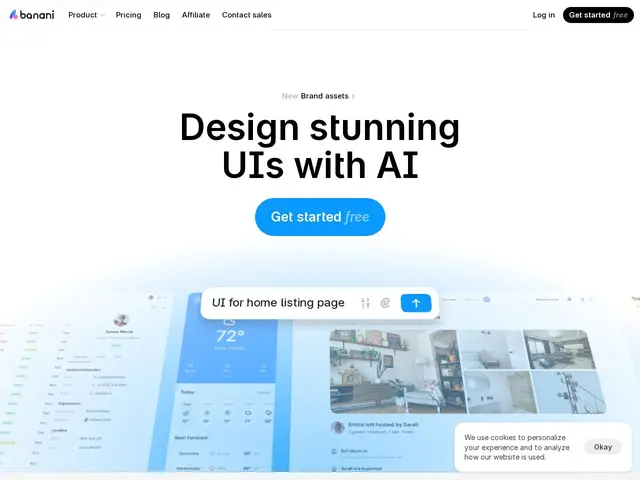
Description
Imagine typing a sentence like "a login screen for a fitness app, dark theme, with a Google sign-in button" and getting back an actual clickable screen design a few seconds later — not a mockup you still have to build, but something you can click through and hand to a developer. That's what Banani does: it turns plain-English descriptions (or a photo, or a rough design brief) into real UI screens, so people who don't know how to use design software can still produce something that looks professionally designed.
Banani generates multi-screen, interactive prototypes from natural-language prompts, reference images, or design briefs, with click-through navigation between screens so the result behaves like a real app rather than a static picture. It offers AI style customization, exports to Figma, HTML/CSS, or plain images, and includes an MCP integration that lets AI coding agents pull the generated designs directly into a codebase. A design-system generation feature helps keep multi-screen output visually consistent, which is normally the hardest part of AI-generated UI.
💬 Our review
The short version: Banani is one of the more capable tools in the new wave of "describe it, get a UI" generators — the free plan never expires and gives enough credits to seriously evaluate it before paying anything.
It sits in the same fast-moving niche as Visily and Flowstep, and the three genuinely overlap: all three generate multi-screen prototypes from text/image prompts and export to Figma. Banani's edge is the MCP integration for AI coding agents (useful if your workflow already involves Claude Code or Cursor) and a free tier that never expires, which is more generous than Flowstep's message-capped free plan. Compared to Figma itself, none of these tools replace a professional designer's control — they're closer to a fast draft generator than a full design tool, and the free tier's 12 monthly credits will run out quickly if you're iterating a lot. At $12–30/month, it's cheap enough to try against Figma's steeper learning curve, but expect to still open Figma for the final polish.
💰 Pricing
📊 Global score
🤖 AI-enriched data
Free plan: $0/mo with 12 monthly credits (no card required, never expires). Plus: $12/mo ($20/year, -40%) with 100 monthly credits and agent mode. Pro: $30/mo ($50/year, -40%) with unlimited credits and priority support. Enterprise: custom pricing with SSO.
Pros
Free plan never expires and gives 12 usable credits/month
Export to Figma, HTML/CSS or images
Interactive click-through prototypes, not static images
MCP integration lets AI coding agents pull designs directly
100k+ active users, actively maintained (updated changelog as of July 2026)
Cons
Free tier credits (12/month) run out fast with real iteration
Requires an internet connection — no offline generation
Output still needs manual polish for production-quality UI