Reality Defender
A tool that scans audio, video, and images in real time to tell you whether what you're looking at (or listening to) was faked by AI.
🔗 Visit Reality Defender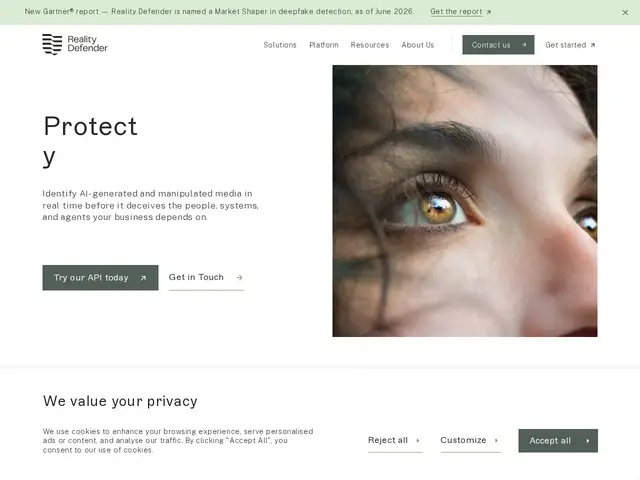
Description
Voice cloning and deepfake video have gotten good enough that a scam call pretending to be your CEO, or a fake video used in a legal dispute, can be genuinely hard to spot by eye or ear alone. Reality Defender is built to catch that: point it at an audio clip, video, image, or document, and it runs multiple detection models to flag whether the content was AI-generated or manipulated, giving you a probability score instead of just a gut feeling.
The platform offers RealScan (a web interface for manual checks), RealAPI, plus integrations for live channels like RealCall and RealMeeting that plug into Zoom, Microsoft Teams, and contact centers for real-time screening. Detection covers cloned voices, frame-level video edits, manipulated audio, and synthetic images/documents using an ensemble of models. The free tier includes 50 scans/month; the Business plan is $399/year for 1,000 monthly scans (single user); Enterprise offers unlimited scans, multiple users, and deployment options including on-premises and air-gapped environments. Gartner named it a Market Shaper in deepfake detection in mid-2026, and its technology has since been integrated into ZeroFox's threat platform.
💬 Our review
The short version: as AI-generated fraud gets more convincing, Reality Defender's multimodal approach — checking audio, video, images, and documents in one platform rather than needing separate tools for each — is a genuinely practical answer for organizations that actually need to make real-time trust decisions (is this caller really who they say they are?).
Against narrower competitors like Hive Moderation (strong on image/video content moderation broadly, less focused specifically on deepfake fraud) or Sensity AI (a similar deepfake-detection specialist), Reality Defender's edge is the live-channel integrations (RealCall, RealMeeting) that screen calls and meetings as they happen rather than after the fact — that's the difference between catching a scam call in progress versus analyzing a recording afterward. The free tier's 50 scans/month is fine for occasional personal checks but will run out fast for any organization with real volume, and the $399/year Business plan is single-user, so teams will likely need to talk to sales for Enterprise pricing regardless. For organizations in finance, media, or legal work where a single successful deepfake could be very costly, it's worth evaluating seriously; casual or occasional use is well covered by the free tier alone.
📊 Global score
🤖 AI-enriched data
Gratuit : 50 scans/mois. Business : $399/an (1000 scans/mois, 1 utilisateur). Enterprise : sur devis (scans/utilisateurs illimités, déploiement on-prem/air-gapped).
Pros
Détection multimodale : audio, vidéo, images, documents
Intégrations temps réel (Zoom, Teams, centres d'appel)
Reconnu par Gartner comme leader de la détection de deepfake
Options de déploiement on-premises/air-gapped
Cons
Palier gratuit limité à 50 scans/mois
Plan Business mono-utilisateur seulement
Tarif Enterprise non public