awsmux
Runs one AWS command across hundreds of AWS accounts at once instead of writing a shell loop and hoping nothing destructive slips through by accident.
🔗 Visit awsmux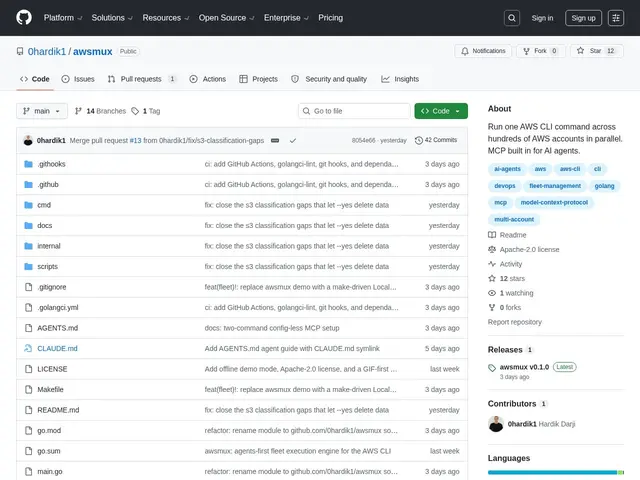
Description
Managing infrastructure across many AWS accounts usually means writing shell scripts that loop over account IDs and hope for the best — with no built-in protection against accidentally running a destructive command everywhere at once. awsmux is a command-line tool that fans a single AWS CLI command out to run in parallel across 100+ accounts and regions, but with real safety controls baked in instead of bolted on.
Before running anything, it verifies identity via AWS STS for each target account, then classifies the operation by risk level — read-only, mutating, or destructive — and enforces an approval boundary specifically for destructive actions. It supports configurable concurrency, deduplicates identical account/principal/region combinations automatically, and offers a plan/approve/apply workflow with hash-verified approval tokens so what gets approved is exactly what gets executed. It's a single Go binary with minimal dependencies, works with AWS config/credentials files including SSO, static keys, and credential_process profiles, and notably ships a native MCP interface so AI agents can drive it directly without extra configuration. It includes a 100-account LocalStack sandbox for safe testing, execution history with replay, and stable exit codes for CI pipelines. Published benchmarks claim 1.3x-2.9x cost reduction and 2.3x-5.4x faster execution compared to raw shell loops.
💬 Our review
The short version: if you're running the same AWS CLI command across dozens or hundreds of accounts by hand-rolling shell loops, awsmux's risk classification and plan/approve/apply workflow is the safety net that a raw loop simply doesn't have, and it's free.
Compared to tools like aws-vault or granted (which focus on credential management and switching between accounts), awsmux is solving a different problem — actually fanning a command out across many accounts safely — so it's complementary rather than a straight swap. Compared to awsrun or awsume, which offer similar multi-account execution, awsmux's differentiators are the explicit risk-tiered approval boundary for destructive operations and the built-in MCP interface for AI-agent-driven infrastructure work, which is a meaningfully forward-looking feature as more ops work gets delegated to agents. The claimed 1.3x-5.4x performance gains over raw shell loops are believable given the built-in concurrency and deduplication, though as with any published vendor benchmark, treat the exact multiplier as directional rather than gospel. It's free and open source with modest adoption so far (11 GitHub stars), so expect a still-maturing tool — but the core safety model (STS verification, risk classification, hash-verified approval) is exactly the kind of thing worth having before you accidentally run something destructive across every account in your org.
💰 Pricing
📊 Global score
🤖 AI-enriched data
Gratuit, open source (Apache-2.0)
Pros
Classification du risque (lecture/modification/destruction) avant exécution
Vérification d'identité STS par compte cible
Workflow plan/approve/apply avec tokens vérifiés par hash
Interface MCP native pour agents IA
Sandbox LocalStack à 100 comptes pour tester sans risque
Cons
Adoption encore modeste (11 étoiles GitHub)
Chiffres de performance publiés par le projet lui-même, à vérifier soi-même
Réservé aux utilisateurs déjà à l'aise avec AWS CLI multi-comptes