WhatCable
A macOS menu bar app that tells you exactly what a USB-C cable can (and can't) do, and diagnoses why your Mac isn't charging or transferring data at full speed.
🔗 Visit WhatCable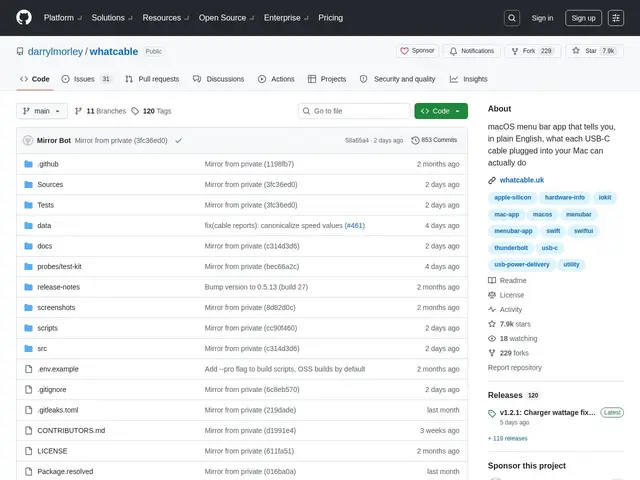
Description
USB-C cables all look the same, but they can support wildly different things — some only charge slowly, some do full 240W fast charging, some transfer data at 40 Gbps, and some do neither well. When your Mac charges slowly or a data transfer crawls, it's often impossible to tell whether the cable, the charger, or the Mac itself is the bottleneck. WhatCable reads hidden data your Mac already has about the cable plugged in and shows you, in plain terms, exactly what it supports.
WhatCable is an open-source (MIT), native macOS menu bar utility that surfaces IOKit-level cable data through a simple popover. It identifies cable brand, model, USB speed rating (from USB 2.0 up to 40 Gbps), and power delivery capacity, and includes charging diagnostics to isolate whether the cable, charger, or Mac is limiting speed. Additional features include Thunderbolt fabric mapping for multi-hop dock connections, e-marker anomaly detection to flag suspicious cables, a CLI with JSON output for scripting, and 19-language support. Pro features (in-app purchase) add cable history tracking, power metering, and a terminal dashboard. Requires macOS 14+.
💬 Our review
The short version: it's a small, focused utility that answers one specific, genuinely annoying question — 'why is this charging so slowly?' — better than staring at System Information ever could, and the free tier alone covers what most people need.
There's no direct competitor doing exactly this on macOS; the honest alternative is manually digging through System Information's USB tab or buying a dedicated USB-C tester gadget. WhatCable's menu bar popover and IOKit-level detail (brand, model, speed rating, power capacity) beats both of those for convenience, and the CLI with JSON output is a nice touch for anyone scripting hardware checks across a fleet of Macs. The Pro in-app purchase (history tracking, power metering, terminal dashboard) is aimed squarely at IT professionals managing many machines rather than casual users, who will likely never need more than the free tier.
💰 Pricing
📊 Global score
🤖 AI-enriched data
Gratuit et open source (MIT) ; fonctionnalités Pro en achat intégré (historique, wattmètre, dashboard terminal)
Pros
Diagnostic clair câble/chargeur/Mac
Détection de câbles suspects (anomalies e-marker)
CLI avec sortie JSON pour scripting
Support 19 langues
Cons
Fonctionnalités avancées réservées au Pro payant
Niche : utile seulement si on a un souci de charge/transfert
macOS 14+ requis