Davit
A native macOS app for managing Linux containers on Apple silicon — without installing Docker Desktop.
🔗 Visit Davit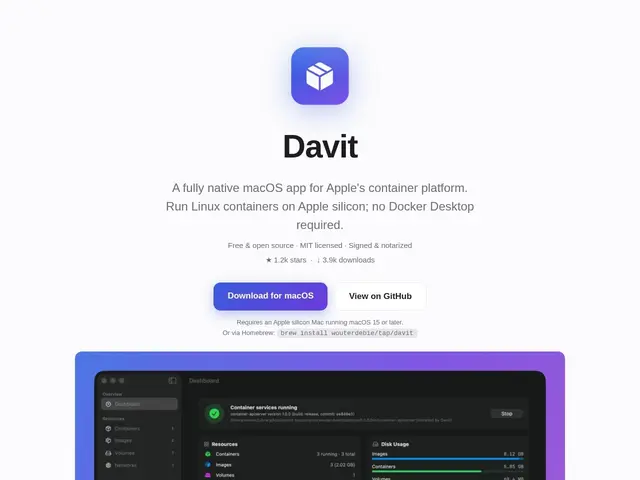
Description
Docker Desktop is the default way most Mac users run containers, but it's a resource-hungry Electron app that requires its own license for larger companies. Davit is a native macOS alternative — built with Apple's own SwiftUI framework instead of a web view — that lets you manage the same containers using Apple's own built-in container support on Apple silicon Macs.
Davit is an open-source (MIT), SwiftUI-based container management UI that talks directly to Apple's native container APIs rather than running a Linux VM the way Docker Desktop does. It supports full container lifecycle management, real-time CPU/memory/IP monitoring with streaming logs, Docker Compose file import with dependency-order validation, building from Dockerfiles, private registry authentication (Docker Hub, ghcr.io, quay.io, and custom registries), and one-click interactive terminal access to running containers. It installs without requiring admin rights and is signed and notarized by Apple.
💬 Our review
The short version: if you're on an Apple silicon Mac and just want a lighter, native way to run and inspect containers than Docker Desktop, Davit does the job well and costs nothing — the tradeoff is it's Mac-only and newer, so it won't have Docker Desktop's decade of edge-case polish.
Against Docker Desktop, Davit's whole pitch is going native: no Electron overhead, no Docker Desktop licensing questions for larger teams, and direct use of Apple's own container framework instead of a heavyweight Linux VM. Compose file import and Dockerfile builds cover the core workflow most developers actually use day to day, and the private registry support (Docker Hub, GHCR, Quay, custom) means it's not limited to public images. Because it's tied to Apple's container platform, it's inherently Apple-silicon-only — Intel Mac or cross-platform teams get no benefit here, and anyone needing Docker Desktop's more mature Kubernetes integration or enterprise support contracts will still need the original.
💰 Pricing
📊 Global score
🤖 AI-enriched data
100% gratuit et open source (MIT), signé et notarié par Apple
Pros
Natif SwiftUI, léger, pas d'Electron
Gratuit, sans question de licence entreprise
Import Docker Compose et build Dockerfile
Terminal interactif en un clic
Cons
Limité aux Mac Apple Silicon
Écosystème/communauté plus jeune que Docker Desktop
Pas d'intégration Kubernetes poussée