Uindow
A desktop app that lets you record a browser task once and replay it automatically, or hand the wheel to an AI agent through MCP — without writing scraping code.
🔗 Visit Uindow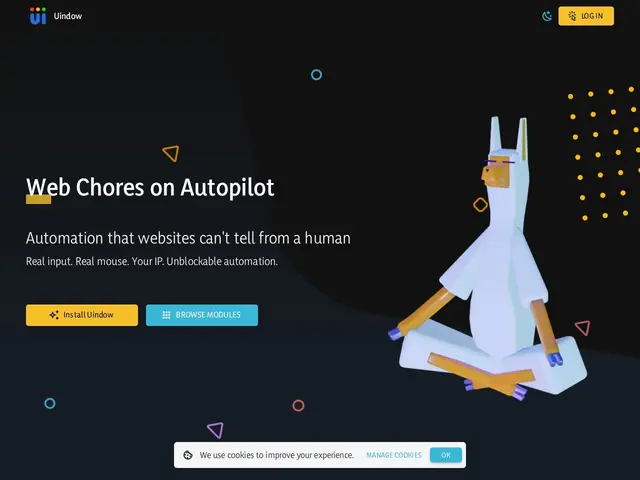
Description
Imagine you have a boring web task you do every week — logging into a site, filling the same form, downloading a report. A browser automation tool like Uindow lets you do that task once while it watches, then replay the exact same clicks and keystrokes automatically forever after, on a schedule if you want. You don't need to know how to code: you just record, and Uindow turns what you did into an automation it can repeat.
Uindow is a source-available Electron/Chromium desktop app that automates browsers using real OS-level mouse and keyboard events rather than synthetic page scripts, which makes it harder for sites to detect and block than typical scraping bots. Recorded workflows convert into editable JavaScript, and automations are modeled as finite-state machines supporting branching, retries and loops, plus human-in-the-loop pauses for logins or captchas. Its standout feature is a built-in MCP (Model Context Protocol) server, so AI coding agents like Claude, Cursor or Copilot can trigger and control the same automations directly — useful for AI builders who want an agent to actually operate a browser rather than just read scraped text. Everything runs locally: credentials and data never leave the user's machine. It ships as CLI (via npx), source code, and signed binaries for macOS, Windows and Linux.
💬 Our review
The short version: if you want no-code browser automation that also plugs cleanly into an AI agent via MCP, Uindow is a solid, cheap pick — the free trial is enough to judge fit, and the paid tiers undercut general automation platforms for this specific job.
What sets it apart from Playwright or Puppeteer is that you don't need to write a line of code to get a working automation — record once, done — while still getting a real, editable JS output if you want to go further. Compared to no-code giants like Zapier or Make, Uindow actually drives a real browser with human-like input, so it survives on sites that block synthetic automation or don't offer an API at all. The catch is that it's a young project (single-digit GitHub stars, small community as of this write-up), it's desktop-only so your machine has to stay on for scheduled runs, and there's no managed cloud execution the way enterprise RPA tools offer. For a solo builder or small team automating a handful of recurring browser chores, that tradeoff is easily worth it; for a company that needs 24/7 unattended automation across many machines, look at a cloud-native RPA platform instead.
💰 Pricing
📊 Global score
🤖 AI-enriched data
Solo 7€/mois (3 agents, 1 espace), Team 29€/mois (6 agents, 10 espaces), Pro 79€/mois (9 agents, 50 espaces). Runs illimités et serveur MCP inclus à tous les paliers.
Pros
Enregistrement sans code, converti en JavaScript modifiable
Serveur MCP intégré pour piloter l'automatisation depuis Claude, Cursor ou Copilot
Automatisation au niveau OS (souris/clavier réels) — plus robuste face à la détection anti-bot que les scripts classiques
Exécution 100% locale, identifiants et données ne quittent jamais la machine
Cons
Projet jeune, communauté GitHub encore réduite
Desktop uniquement — la machine doit rester allumée pour les tâches planifiées
Pas d'exécution cloud managée, contrairement aux plateformes RPA d'entreprise