BrowserBee
A browser extension you can talk to in plain English to get things done — like "check my email for anything from my accountant" — instead of clicking through the steps yourself, while everything stays inside your own browser.
🔗 Visit BrowserBee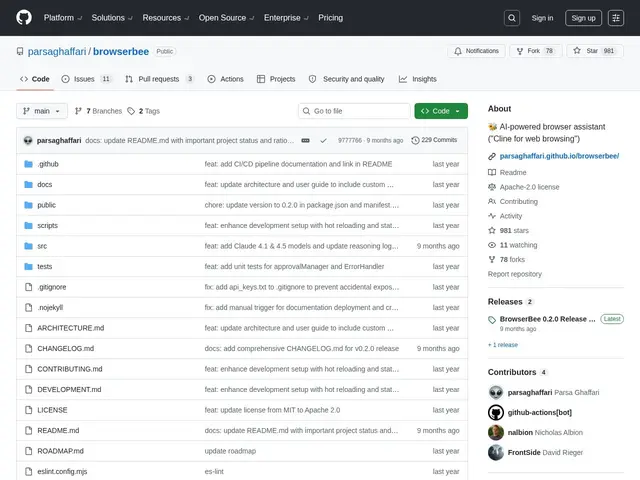
Description
Browser automation tools usually require either writing code or sending your browsing activity through a third-party server to work. BrowserBee takes a different approach: you type or say what you want done in plain language, and it uses an AI model to plan the steps, then actually clicks, types and navigates using real browser automation (Playwright) — all running inside your own Chrome browser rather than on someone else's server.
BrowserBee is a free, open-source (Apache 2.0) Chrome extension that combines LLM-based instruction parsing with Playwright-driven browser automation. Because it runs entirely client-side except for the LLM call itself, it can safely interact with sites you're already logged into (email, social media) without needing backend infrastructure or exposing credentials to a third party. It supports Anthropic, OpenAI, Gemini and local Ollama models, tracks token usage/cost per task, and includes a memory feature that saves action sequences for reuse. One important caveat: the original developer announced they stopped actively maintaining it as of October 2025, though the project remains public, open source and functional.
💬 Our review
The short version: BrowserBee is a solid, free way to try LLM-driven browser automation without sending your browsing data through a third-party server — just go in knowing it's no longer actively maintained by its original author.
It's competing against a wave of newer AI browser agents (Comet, Atlas, Claude for Chrome, Gemini's browser integrations, Dia) that are backed by large companies with ongoing development and support — BrowserBee's advantage is being open source, free, and running client-side with your choice of LLM provider including local models via Ollama, which none of the commercial options offer. The real tradeoff is maintenance: since active development stopped in late 2025, expect to rely on the community (or fork it yourself) for bug fixes and compatibility with browser updates going forward, rather than official support.
💰 Pricing
📊 Global score
🤖 AI-enriched data
Apache 2.0, entièrement gratuit. Coût réel = votre propre clé API LLM (Anthropic/OpenAI/Gemini) si vous n'utilisez pas Ollama en local.
Pros
Gratuit et open source (Apache 2.0)
Fonctionne côté client, pas de serveur tiers pour l'automatisation elle-même
Supporte plusieurs fournisseurs LLM, y compris Ollama en local (gratuit et privé)
Suivi de l'usage/coût par tâche
Cons
Développement actif arrêté depuis octobre 2025 par l'auteur original
Concurrence de géants (OpenAI, Perplexity, Anthropic, Google) avec support continu
Dépend d'une clé API LLM externe payante sauf si Ollama local est utilisé