OpenKnowledge
A free, open-source note-taking app like Notion or Obsidian, but built so tools like Claude or Codex can read and write your notes directly — because your notes are just plain markdown files on disk, not locked inside a proprietary database.
🔗 Visit OpenKnowledge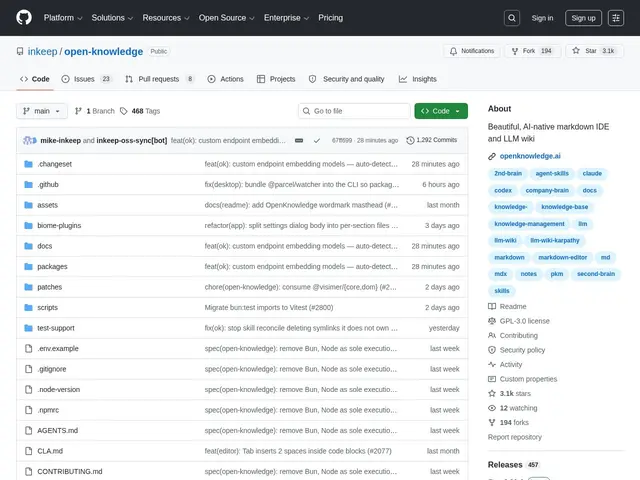
Description
Notion gives you a beautiful writing experience but locks your content inside its own platform; Obsidian keeps your notes as local files but its AI integration mostly comes from community plugins bolted on afterward. OpenKnowledge tries to get the best of both: a real WYSIWYG editor that feels close to Notion, built on top of plain markdown files you fully own, with AI collaboration as a first-class feature rather than an add-on.
OpenKnowledge is a free, open-source (GPL v3) AI-native markdown IDE and wiki, built by Inkeep, aimed at engineers and knowledge workers who want a Notion-like writing experience without giving up ownership of their files. Because notes are stored as real markdown on disk and version-controlled via git, tools like Claude, Codex, and Cursor can read and write them directly through MCP — letting an AI assistant search, summarize, and edit your knowledge base the same way it would a codebase. It hit the Hacker News front page and topped Product Hunt on its v2.0 release, drawing 1,400+ signups in its first 24 hours. There are no paid tiers — it's entirely free.
💬 Our review
The short version: if you want a Notion-quality writing experience for your notes but also want Claude or Codex to be able to read, search, and edit that knowledge base directly, OpenKnowledge is built exactly for that overlap — and it's completely free.
Its differentiator against Obsidian is native AI integration: Obsidian's AI features come from third-party community plugins with varying quality and maintenance, while OpenKnowledge is built from the ground up with MCP support so AI tools interact with your notes as a first-class capability. Against Notion, the advantage is ownership and portability — your content is plain markdown on disk, git-versioned, not stored inside a proprietary hosted database you'd need to export from. The tradeoff is maturity: as a newer project (v2.0 released mid-2026), it won't have Notion's years of feature depth (databases, complex views, team permissions) or Obsidian's enormous plugin ecosystem built up over years. Great fit for engineers and technical teams who want their notes to be genuinely AI-collaborative and git-friendly; teams that need Notion's mature project-management-style databases or Obsidian's huge plugin catalog may still prefer those for now.
📊 Global score
🤖 AI-enriched data
100% gratuit et open source (GPL v3), aucun palier payant
Pros
Notes stockées en markdown brut sur disque, versionnées via git — pas de verrouillage propriétaire
Intégration IA native via MCP (Claude, Codex, Cursor peuvent lire/écrire directement), pas juste des plugins tiers
Éditeur WYSIWYG proche de l'expérience Notion
100% gratuit, sans palier payant
Cons
Projet jeune (v2.0 mi-2026), moins de profondeur fonctionnelle que Notion (bases de données complexes, permissions équipe)
Écosystème de plugins bien plus restreint que celui d'Obsidian
Pas de version hébergée officielle, nécessite une gestion locale/git
Documentation et stabilité encore en maturation