Teable
A spreadsheet that understands plain English — describe what you want to track or automate, and Teable turns it into a working database, app, or workflow without you touching code.
🔗 Visit Teable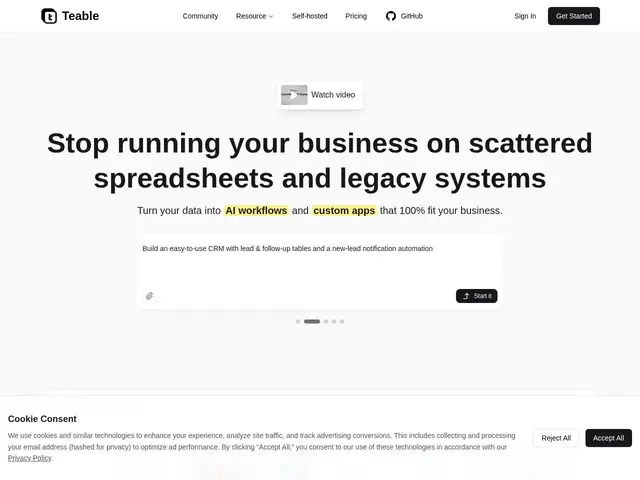
Description
If you've ever built a system out of spreadsheets — tracking customers in one tab, projects in another, manually copying data between them — Teable is built to replace that mess. You describe what you need in plain English ('track my leads and email them when they go quiet') and it builds the underlying database, the views, and the automation for you, the way a developer would, except you never see the code.
Teable is an open-source, AI-powered database platform positioned as an Airtable alternative with a heavier automation layer. Beyond the core spreadsheet-like grid (rows, fields, views), it can connect to and migrate data from other systems via natural language, process files with AI, generate apps and dashboards from your data, run workflow automations with triggers and rules, and even batch-generate content (images, copy, personalized emails) at scale. It's ISO 9001 and ISO 27001 certified and offers self-hosted and private deployment options for teams that need to keep data in-house. Pricing runs Free (200 AI credits/month, 1,000 rows, 1GB storage), Pro at $10/seat/month billed annually (1,000 credits, 250k rows, 10GB), and Business at $20/seat/month billed annually (2,000 credits, 1M rows, 100GB).
💬 Our review
The short version: Teable is what you'd get if Airtable and a workflow-automation tool like Zapier had a baby, with an AI layer doing the wiring for you instead of you dragging boxes on a canvas.
Against Airtable directly, Teable's edge is scale and price — Airtable's row limits get expensive fast, while Teable's Pro tier (250,000 rows for $10/seat/month) is materially more generous, and being open-source means you can self-host it for free if you don't mind running your own infrastructure. Against a pure automation tool like Zapier or Make, Teable's advantage is that the data and the automation live in the same place, so you're not stitching together a spreadsheet in one tool and a workflow in another. The honest tradeoff: natural-language database generation is genuinely useful for getting started fast, but for anything with real business logic you'll still want to check and adjust what the AI builds rather than trust it blindly — and the credit-based AI features (200/month on Free) run out quickly if you lean on them heavily. For a small team replacing spreadsheet chaos, it's a strong pick; for a team already deep into Airtable with years of workflows built, migration cost is a real factor to weigh.
💰 Pricing
📊 Global score
🤖 AI-enriched data
Gratuit : 200 crédits IA, 1 000 lignes, 1 Go ; Pro $10/siège/mois (facturé annuellement) : 1 000 crédits, 250 000 lignes, 10 Go ; Business $20/siège/mois (annuel) : 2 000 crédits, 1 M lignes, 100 Go
Pros
Génération de bases/automatisations par langage naturel
Open-source, self-hostable gratuitement
Limites de lignes bien plus généreuses qu'Airtable au même prix
Certifié ISO 9001 et ISO 27001
Cons
Fonctions IA limitées par un système de crédits qui s'épuise vite en usage intensif
Résultats générés par IA à vérifier avant usage en production
Migration depuis Airtable = coût réel pour les équipes déjà installées