PixyCAD
PixyCAD lets you sketch a part with an Apple Pencil on your iPad and turns it into a real, printable 3D model — built for hobbyist makers, not the engineering teams that professional CAD software like Fusion 360 targets.
🔗 Visit PixyCAD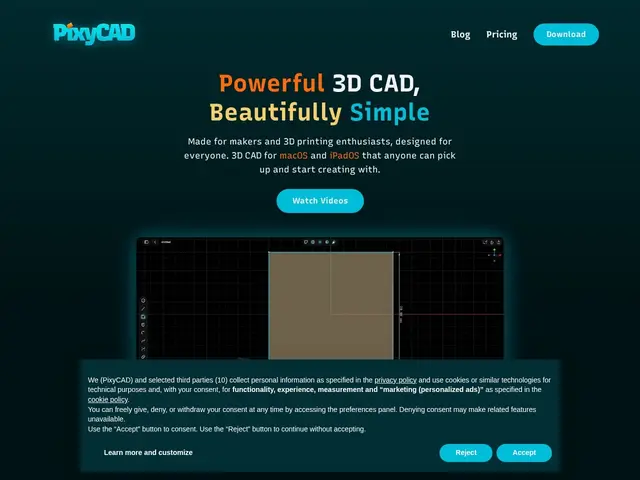
Description
Professional CAD software like Fusion 360 or SolidWorks is powerful but built for engineers, with a learning curve that discourages hobbyists who just want to design a bracket or a case for a 3D print. PixyCAD is built specifically for that gap: a native iPad and Mac app that starts from an Apple Pencil sketch and turns it into a production-ready 3D model, without the professional-CAD learning curve.
PixyCAD processes everything on-device using Metal optimization, meaning no cloud dependency and no lag even on a tablet, supports a cross-device workflow moving between iPad and Mac, and exports to standard formats (STL, 3MF, STEP, Parasolid X_T) that work with any 3D printer or downstream CAD tool. It offers a genuine free tier (up to 2 projects, no login required) alongside a Maker subscription at $179.99/year or a $179 one-time lifetime purchase — an unusual and maker-friendly choice to offer perpetual ownership instead of forcing an ongoing subscription.
💬 Our review
The short version: PixyCAD is for a hobbyist or maker who wants to go from a napkin sketch to a 3D-printable file without learning professional CAD software — it's not aimed at engineering teams doing precision mechanical design.
Offering a lifetime purchase option ($179 one-time) alongside the subscription is a genuinely maker-friendly pricing decision in a software landscape that's increasingly subscription-only — hobbyists doing occasional projects often prefer paying once over an ongoing bill, and PixyCAD respects that. On-device Metal processing with no cloud dependency means it works reliably without an internet connection, which matters for a tool used in a garage or workshop. Standard export formats (STL, STEP) mean you're not locked in if you later outgrow it into a professional tool. The honest limitation is precision and complexity ceiling: for genuinely complex mechanical assemblies or tight engineering tolerances, a full professional CAD package will still outperform a tablet-sketch-based tool — PixyCAD is optimized for accessibility, not maximum precision.
💰 Pricing
📊 Global score
🤖 AI-enriched data
Gratuit (2 projets) ; Maker 179,99$/an en abonnement ou 179$ à vie
Pros
Option d'achat à vie plutôt qu'abonnement forcé
Traitement 100% local, aucune dépendance cloud
Sketch au crayon Apple vers modèle 3D directement
Formats d'export standards (STL, STEP...)
Cons
Moins précis qu'un CAD professionnel pour l'ingénierie complexe
Réservé à l'écosystème Apple (iPad/Mac)
Palier gratuit limité à 2 projets