Clipto
Software that lets you search your own video and audio library by typing what you remember, without uploading any of it to the cloud.
🔗 Visit Clipto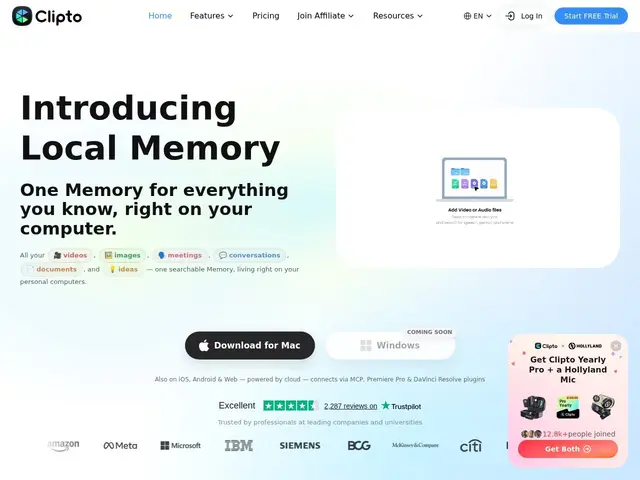
Description
Imagine typing 'the clip where we argued about the budget' into a search bar and having it find the exact meeting recording — Clipto does that for your own videos, audio and documents, and it never leaves your computer, so nothing gets uploaded anywhere.
Clipto is a macOS app (Apple Silicon, 24GB+ RAM, macOS 15+) that runs local AI transcription and natural-language search over terabytes of personal video/audio/meeting recordings, entirely on-device. It identifies people by name, detects scenes/actions/dialogue, supports 99+ languages, handles files up to 6 hours long, integrates with Premiere Pro, and can index media stored in Dropbox, Google Drive, NAS or local disks.
💬 Our review
The short version: if you're a video editor, journalist or researcher sitting on huge personal media archives and want to find a specific moment without re-watching everything — or without uploading sensitive footage to a cloud AI — Clipto solves a real, narrow problem well.
It's a niche compared to cloud tools like Google Photos or cloud-based transcription services: the entire value proposition is that it's 100% local, which matters if your footage is confidential (legal depositions, unreleased film, internal meetings) but is otherwise a hardware constraint — it needs a beefy Apple Silicon Mac with 24GB+ RAM, and it's Mac-only. At $12.49-24.99/month, it's priced like a professional tool, not a consumer app, which is fair given the niche but means casual users indexing a personal photo library have cheaper options.
💰 Pricing
📊 Global score
🤖 AI-enriched data
7-day free trial; $24.99/month standard, or $12.49/month billed annually
Pros
100% local processing — no cloud upload, strong privacy for sensitive footage
Natural language search across video, audio, meetings and documents
Supports 99+ languages and files up to 6 hours
Premiere Pro workflow integration
Cons
macOS only, requires Apple Silicon Mac with 24GB+ RAM
Priced as a professional tool ($12.49-24.99/mo), not aimed at casual consumers
No Windows or mobile-first equivalent for the core indexing feature
No founding date or company background disclosed