Submagic
AI video editor that adds animated captions, removes silences and filler words, inserts B-roll, and polishes a short-form clip in one pass.
🔗 Visit Submagic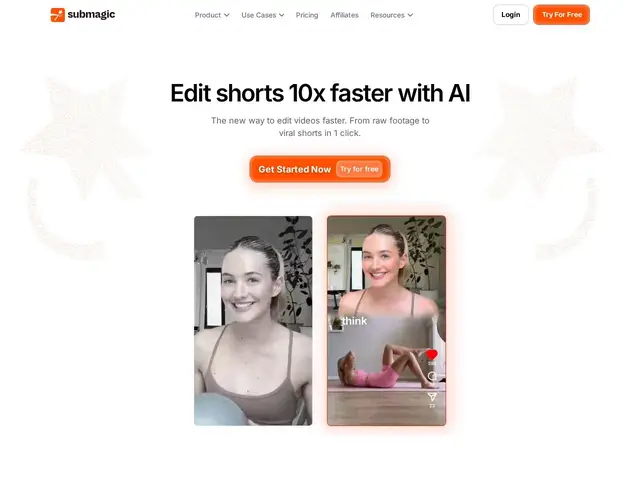
Description
Even after you've picked the right short clip to post, making it actually look professional — animated captions, no awkward pauses, the right B-roll cut in at the right moment — normally takes real editing time in software like Premiere or CapCut. Submagic does that whole polish pass automatically: upload a raw clip, and it comes back with captions, cleaned-up pacing, and visual flourishes already applied, ready to post.
Submagic generates animated captions in 123 languages (claiming 99% accuracy), automatically removes silences and filler words, inserts contextual B-roll from a stock library, adds auto-zoom effects and transition sound effects, and writes an attention-grabbing hook title for the clip. In 2026 it added its own "Magic Clips" long-to-short clipping feature and basic scheduling, moving it from a pure captioning tool toward covering more of the short-form workflow end-to-end, with 4K 60fps export on its top tier.
💬 Our review
The short version: Submagic is the strongest tool in this category specifically at the last-mile polish step — captions, pacing, B-roll — the part that separates an amateur-looking clip from a professionally edited one, and it does that in one automated pass instead of a manual editing session.
Animated captions with claimed 99% accuracy across 123 languages is a real technical achievement if it holds up in practice (language-dependent accuracy varies in this category generally, worth testing on your specific content before trusting the headline number), and silence/filler-word removal plus auto-inserted B-roll genuinely replaces steps a human editor would do by hand. Adding its own clip-finding feature (Magic Clips) in 2026 pushes it to compete more directly with OpusClip rather than being purely complementary, though OpusClip's clip-ranking-by-predicted-engagement feature is still more mature. Y Combinator backing and a claimed 4M+ businesses served (unverified, standard vendor caution) suggest real traction; named brand customers (Shopify, Uber, Zapier) are a stronger signal than user-count claims alone if accurate. For a creator or team that already knows which raw footage to use and just wants it to look polished fast, Submagic is close to the default choice in 2026; for one that needs help finding the right moments inside long recordings first, OpusClip remains the better starting point.
💰 Pricing
📊 Global score
🤖 AI-enriched data
Free: 3 videos/mo, 1080p, watermarked. Starter $19/mo (15 videos, 1080p). Pro $39/mo (40 videos, 2K). Business $69/mo (100 videos, 4K 60fps). Magic Clips add-on +$19/mo. 41% off annual billing.
Pros
Animated captions in 123 languages with automatic silence/filler-word removal
AI-inserted contextual B-roll and auto-zoom effects in one pass
4K 60fps export on top tier
Y Combinator-backed with named enterprise customers (Shopify, Uber, Zapier)
Cons
Caption accuracy likely varies by language despite the headline 99% figure
User-count and view-growth claims are vendor-reported, not independently audited
Clip-finding (Magic Clips) is newer and less mature than OpusClip's equivalent