Browserbase
Cloud infrastructure of real, headless browsers that AI agents can control to browse, click and fill out forms like a human would.
🔗 Visit Browserbase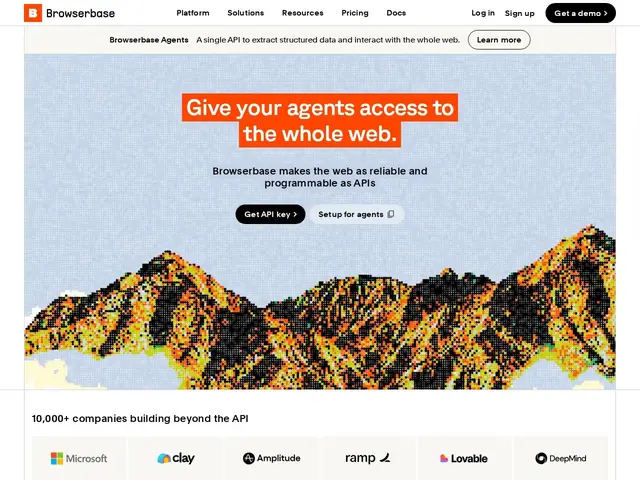
Description
Some tasks can't be done by reading a webpage's raw data — an AI agent sometimes needs to actually click buttons, log into an account, or fill out a form, the same way a person browsing with a mouse would. That requires a real web browser running somewhere, not just an API. Browserbase rents out exactly that: real browser instances in the cloud that an AI agent can drive remotely, at whatever scale it needs.
Browserbase is browser infrastructure built for AI agents: it provides real (not simulated) headless browser sessions, a Search API for agents to run web queries, a Fetch API that turns a URL directly into structured data, a Sessions API that handles authentication and login state, a Model Gateway for unified access to different LLMs, and observability tooling to debug what an agent actually did during a session. It's used across AI/ML development as well as regulated industries — healthcare, supply chain, legal, fintech — where compliance features like HIPAA and DPA support matter. Pricing starts with a free tier (3 concurrent browsers, 1 hour/month, $5 of model tokens), then Developer at $20/month (25 browsers, 100 hours), Startup at $99/month (100 browsers, 500 hours, the most popular tier), and a custom Scale plan (250+ browsers, enterprise compliance features).
💬 Our review
The short version: Browserbase's value is in the parts most teams don't want to build themselves — session persistence, authentication handling, and observability around a fleet of real browsers — rather than the browser automation itself, which open-source tools like Playwright and Puppeteer already do for free.
That's the honest trade-off: Playwright and Puppeteer are the actual automation libraries doing the clicking and typing, and they're free; what you're paying Browserbase for is not having to run, scale and secure the browser infrastructure they need to execute on, plus the AI-specific layer (Search API, Model Gateway) on top. Against Firecrawl, which focuses on turning pages into clean text for an LLM, Browserbase is the right pick when the task requires actual interaction — logging in, clicking through a multi-step flow — rather than just reading content. At $20-$99/month for real usage, it's reasonably priced for teams that would otherwise spend real engineering time managing headless Chrome infrastructure themselves.
💰 Pricing
📊 Global score
🤖 AI-enriched data
Free: 3 concurrent browsers, 1 hr/mo, $5 model tokens. Developer: $20/mo, 25 browsers, 100 hrs. Startup: $99/mo, 100 browsers, 500 hrs. Scale: custom, 250+ browsers, HIPAA/DPA.
Pros
Real browser instances, not simulated — needed for login flows and interactive tasks
Handles the operational burden of scaling and securing headless browser infrastructure
HIPAA/DPA compliance support for regulated industries
Cons
The core automation (Playwright/Puppeteer) is open source and free on its own
Metered dimensions (Search, Fetch, model tokens) can roughly double the headline plan cost at moderate volume
Free tier's 1 hour/month is only enough for light evaluation